

Reviewing and approving quotes
Approvers open the review link, check the quote, and approve it — which publishes the quote and lets it continue on its way.
Overview
Section titled “Overview”When a quote needs a sign-off, the assigned approver receives a notification with a link to review it. Approving is quick: open the link, check the quote, and approve. On approval, the quote publishes and continues down its normal path — rendering, sending, and signing.
Prerequisites
Section titled “Prerequisites”- You’re an assigned approver (or a member of the approval queue) for the quote
- You have the review link from your approval notification
- Open the review link. Click the link in your approval email or Slack
message to open the Review Quote screen with the quote and its details.
- Review the quote. Check the quote name, company, deal, owner, and amount, along with the line items, discounts, taxes, and terms. The screen also shows the approval request details — including the rule (or rules) that triggered approval, the approval queue the request came from, and any explanation the rep added — and an activity timeline of the full approval history.
- Open the full quote if you need more detail. Preview the rendered quote to see exactly what the buyer would receive before you decide.
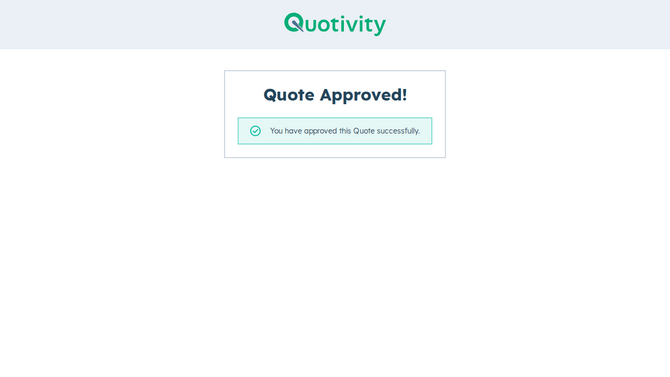
- Approve the quote. Click Approve. The quote publishes and continues on its way, and the approval is recorded in the quote’s history.
When you approve, the quote leaves Pending approval and moves forward automatically — there’s nothing more for you to do.
Where pending approvals surface
Section titled “Where pending approvals surface”Admins can see quotes awaiting a decision alongside their approval history, so nothing sits in Pending approval unnoticed. Each quote’s timeline records when it was submitted, requested, approved, rejected, recalled, and published, giving you a complete audit trail.
- Each review link is decision-ready: once a quote has been approved or rejected, the link no longer accepts a new decision.
- If something looks off, reject with a comment instead of approving — the rep can fix it and resubmit. See Rejecting and recalling quotes.
Related articles
Section titled “Related articles”Ask the help center
Answers come from these guides, with links to the articles used.
Ask anything about configuring quoting in Quotivity Studio.